





Every high-converting contractor website shares five nonnegotiable elements: authentic project photography that builds visual trust, a real portfolio with case-study detail, obvious contact paths like tap-to-call and estimate forms, fast mobile performance, and basic local SEO. This article shows working examples of each, then hands you a page-by-page blueprint so your redesign checks every box the first time.
TL;DR:
- A high-converting contractor website must feature real project photos, a clear portfolio, and prominent contact options to build trust and encourage phone calls.
- Homepage hero sections should focus on the actual crew and service area, with clickable call-to-action buttons that are thumb-reachable on mobile devices.
- Project galleries should prioritize optimized, captioned images—including wide, detail, and before shots—to showcase craftsmanship and reduce buyer uncertainty.
- Speed is critical; sites must be optimized for mobile performance through image compression, lazy loading, schema markup, and accurate local SEO to generate leads effectively.
- Budget for template platforms ranges from $2,250 to $7,500, while custom sites can cost $5,000 to over $20,000, with most projects completing within 4 to 8 weeks depending on scope.
Table of Contents
- What Does Great Contractor Website Design Actually Look Like?
- What Pages Does a Contractor Website Actually Need?
- How Should You Photograph and Present Your Project Portfolio?
- Which Trust Signals Actually Get the Phone to Ring?
- Does Site Speed Actually Affect Contractor Leads?
- How Much Does a Contractor Website Cost, and How Long Does It Take?
- What Do You Actually Get When You Hire a Specialist?
- What Should Contractors Fix First in a Website Redesign?
- How WWS Turns These Design Patterns Into a Working Site
- Sources
- FAQ
What Does Great Contractor Website Design Actually Look Like?
The best contractor sites aren’t flashy. They’re fast, obvious, and built around trust signals that get a homeowner or a commercial buyer to pick up the phone. Across dozens of high-performing examples, the same handful of patterns keep showing up, and they’re worth copying rather than reinventing.
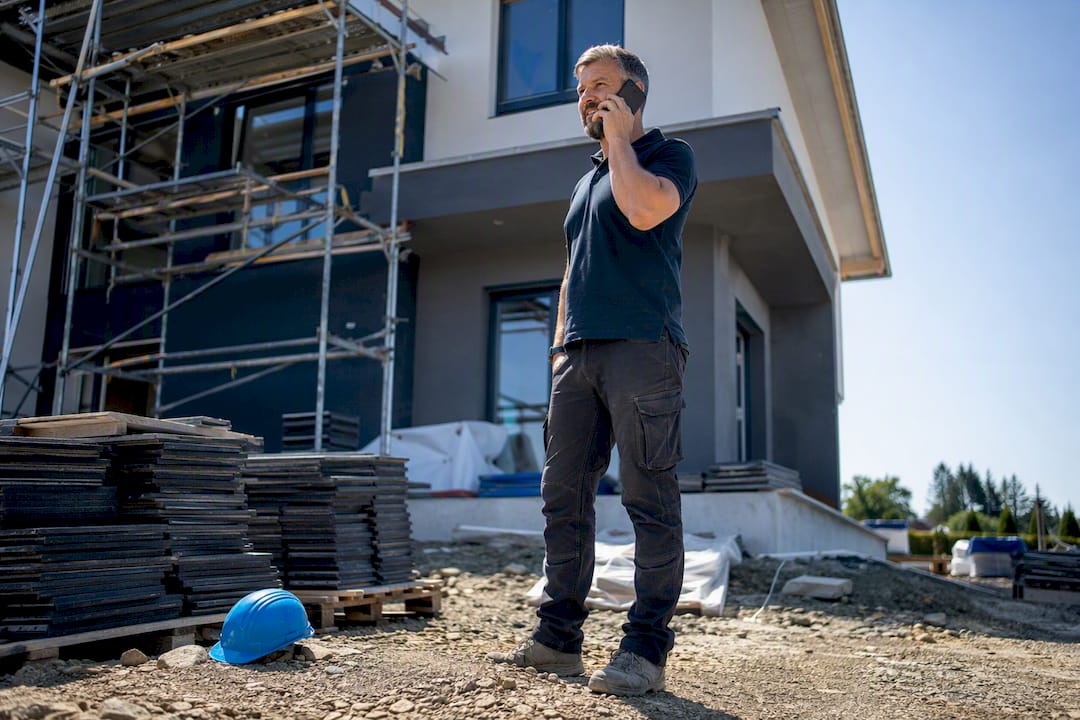
Hero sections that do one job. The strongest homepages skip the generic stock-photo banner and lead with a real crew on a real job, paired with a headline naming the service and the service area (“Chicago-Area Roofing, Done Right”). A tap-to-call button and a “Schedule a Free Estimate” link sit above the fold, not buried in a hamburger menu. On mobile, that button should be thumb-reachable without scrolling.
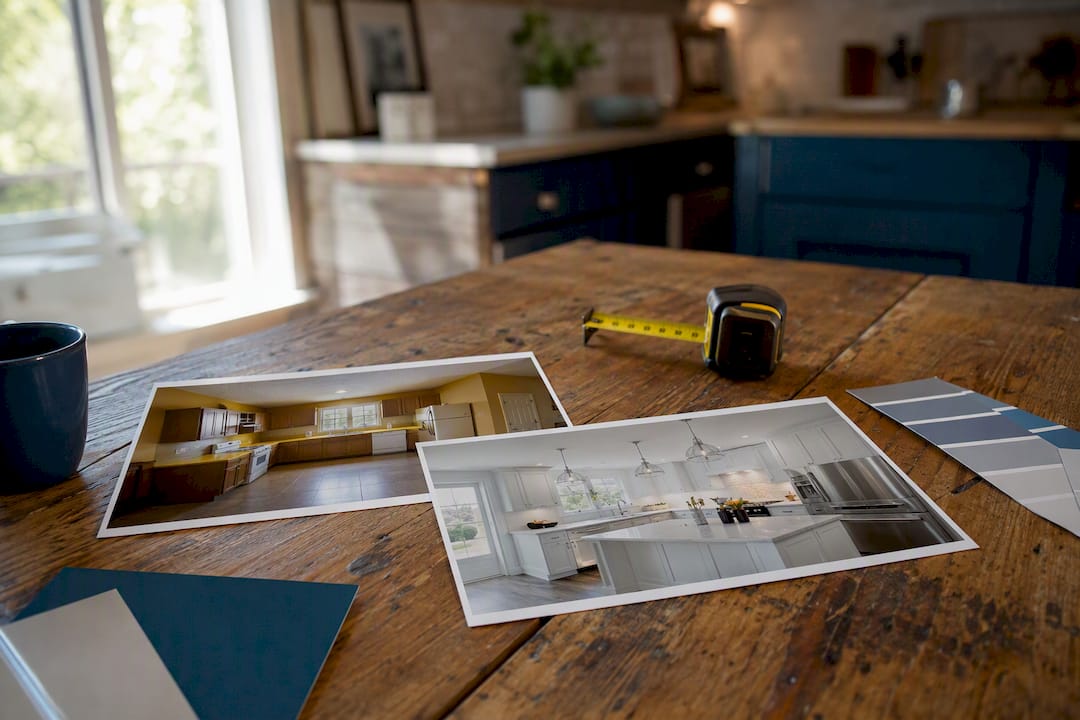
Portfolio presentation varies by trade. A kitchen remodeler benefits from a before-and-after slider that makes the transformation visible in two seconds. A commercial general contractor does better with a case-study format: project scope, square footage, timeline, and a client outcome written in a paragraph, not a caption. A landscaper or paver often does best with a simple photo grid sorted by project type, since buyers browse visually before they read anything.
Sites that combine well-shot photography, a clear visual hierarchy, project galleries, testimonials, and obvious calls to action consistently convert better than sites missing any one of those pieces, according to an analysis of more than 50 contractor website examples. That combination matters more than any single design trend.
Branding cues that signal legitimacy. Consistent logo placement, a color palette that matches your trucks and uniforms, and licensing numbers in the footer all quietly tell a visitor this is a real, established business rather than a one-truck operation building a site over the weekend.
Here’s where these patterns typically come from:
- Template platforms (Squarespace, Wix) offer contractor-specific themes with built-in gallery and testimonial blocks, good for a fast launch on a tight budget.
- Custom builds give you full control over page speed, schema markup, and CRM integration, which matters more as your lead volume grows.
- Hybrid approaches use a template’s design system with custom code for performance-critical pages like the homepage and top service pages.
Statistic Callout: Websites built around case-study detail, including a visible 3 to 4-step build process and project timelines, convert better because they reduce a buyer’s uncertainty before they ever call, according to construction website design research from Visionary Advance.
What Pages Does a Contractor Website Actually Need?
A contractor site doesn’t need dozens of pages. It needs the right handful, each doing a specific job in the buyer’s decision process.
- Homepage. Above the fold: your trade, your service area, a phone number, and one strong CTA. Below the fold: three to five trust cues (years in business, license number, review count, a client logo or two) and a preview of your best project photos.
- Service pages. One page per major service, each structured with an H1 naming the service and city, H2s breaking out specific offerings, and a bulleted list of specialties. A roofer might split shingle replacement, flat roofing, and storm damage repair into separate pages rather than cramming them into one.
- Project or portfolio pages. Each entry needs a hero image, a short description of scope, a rough timeline, the outcome, and a CTA to start a similar project.
- About and team. Licensing, insurance, years operating, and a few photos of the actual people who show up at the job. Buyers hire people, not logos.
- Contact page. Multiple ways to reach you (phone, form, address if you have a showroom), and if you serve a wide area, a note on your typical response time.
How Should You Photograph and Present Your Project Portfolio?
Photos win or lose bids before a prospect ever calls. Prioritize three shot types: a wide “hero” shot that shows the finished project in context, a handful of detail shots (trim work, tile lines, finish quality) that show craftsmanship, and at least one progress or before shot that proves the transformation happened.
Squarespace’s own guidance for construction businesses stresses image-first design and portfolio-focused navigation, which lines up with what actually converts: buyers scroll photos first and read copy second. Keep files optimized, since a 5MB image shot straight off a phone will crush your load time on a jobsite’s spotty 4G connection.
Captions matter more than most contractors think. A caption like “Full kitchen remodel, 320 square feet, completed in 3 weeks for a family in Naperville” tells a prospect scale, timeline, and outcome in one line. That’s more persuasive than “Beautiful new kitchen!”
A few organizational habits make galleries easier to browse:
- Tag projects by service type and neighborhood so prospects can filter to what’s relevant to them.
- Use consistent before-and-after formatting (same angle, same lighting) so the comparison reads clearly.
- Group commercial and residential work separately if you serve both markets.
- Limit each project page to 8 to 12 photos so it doesn’t feel like a dumping ground.
Pro Tip: A 30-second walkthrough video embeds well on a project page, but host it on YouTube or Vimeo and embed the player rather than uploading the raw file. A native video file can double your page load time and undo everything you did to speed up images.
Which Trust Signals Actually Get the Phone to Ring?
Testimonials and reviews work best when placed where the decision actually happens, not buried on a separate page nobody visits. Put two or three strong Google reviews directly on the homepage, near your CTA, and drop a relevant testimonial at the bottom of each project page where a prospect is deciding whether to trust that exact type of work.
Licensing and insurance badges need to be visible, not hidden in an FAQ. State your license number and insurance status plainly in the footer and on the about page. If you carry a manufacturer certification (GAF, CertainTeed, Trex), display the actual badge; buyers recognize these logos faster than they read a paragraph explaining what they mean.
A few placement rules worth following:
- Put your Google review count and star rating near your primary CTA, not just on a testimonials page.
- Use full names and, where permitted, a first initial and last name plus city (“Sarah M., Aurora”) rather than anonymous quotes.
- Quantify outcomes in testimonials when you can (“finished two days early” beats “great service”).
- Keep client logos for commercial work in a simple horizontal strip, since a wall of logos looks cluttered.
Good trust-building practice online generally follows the same logic contractors need: specificity beats vague praise, and proven strategies for building trust online consistently point to transparency and third-party verification over self-reported claims.
Does Site Speed Actually Affect Contractor Leads?
Yes, and more than most contractors assume. A homeowner searching for “emergency plumber near me” from a driveway on spotty cell service will bounce off a slow site in seconds. Best-practice guidance for construction companies stresses building mobile-first for real jobsite network conditions, which means testing your site on 4G, not just office Wi-Fi.
A working technical checklist:
- Compress and serve images in modern formats like WebP or AVIF, and use responsive srcset so mobile devices don’t download desktop-sized files.
- Lazy-load below-the-fold images so the hero and CTA load first.
- Add LocalBusiness and Service schema markup so Google understands what you do and where you work.
- Keep your Google Business Profile synced with your site’s name, address, and phone number exactly.
- Write service pages with clear, concise Q&A sections; AI-driven search tools increasingly pull short, direct answers rather than long paragraphs.
Statistic Callout: Agencies that build for contractors point to mobile-first performance, CRM integrations, and schema markup as the real differentiators between a site that generates leads and one that’s just a digital brochure. Pairing that technical foundation with ongoing local SEO work is what actually moves you up the map pack over time.
How Much Does a Contractor Website Cost, and How Long Does It Take?
Budget bands vary widely depending on whether you go template or custom. Published pricing from specialist contractor web builders puts standard builds around $2,250 to $7,500, while high-performance custom sites with full CRM integration and advanced schema run $5,000 to $20,000 or more.
Platform choice drives both cost and capability:
- Template builders (Squarespace, Wix) are faster and cheaper, and work well for inspiration and quick launches, but they cap out on performance and integration flexibility.
- Custom builds cost more upfront but typically deliver better Core Web Vitals scores, deeper schema control, and cleaner CRM connections, which matter once your lead volume justifies the investment.
- Most projects run 4 to 8 weeks from discovery to launch for a standard site, longer for custom builds with integrations.
A simple rule of thumb: if you’re a one-truck operation testing the waters, a template gets you online fast. If leads are already your bottleneck and you need the site to actually perform, a specialist build pays for itself faster than most contractors expect.
What Do You Actually Get When You Hire a Specialist?
WWS – Web Development + SEO is an official Google and Meta Partner, and every project runs through a team of Google and Facebook certified specialists rather than outsourced freelancers. With more than 200 completed client partnerships, the process for a contractor typically covers portfolio organization built around the page structure above, CRM and lead-management integration so estimate requests land where your team already works, and local SEO groundwork including Google Business Profile optimization. A typical engagement moves through discovery, a build timeline, defined deliverables, and post-launch measurement of calls and form submissions.
What Should Contractors Fix First in a Website Redesign?
Fix the phone number and CTA visibility before touching anything else. Most contractor sites lose leads to a hidden contact path, not bad design. After that, invest in real project photography over stock images. The biggest red flag: a site that looks good on a desktop but takes six seconds to load on a job site’s phone signal. We’ve watched a Chicago-area client’s call volume shift noticeably after nothing more than moving their tap-to-call button above the fold and swapping stock photos for crew shots. Measure calls and form fills monthly, then keep iterating.
— Online Marketing Experts
How WWS Turns These Design Patterns Into a Working Site
WWS – Web Development + SEO is the Chicago-area alternative to hiring a generic freelancer or piecing together a template yourself, because everything, design, development, SEO, and CRM setup, gets handled in-house by the same certified team from start to finish. That means the portfolio layout, mobile speed work, and local SEO foundation covered in this guide don’t get split across three vendors who never talk to each other.

If your current site is missing tap-to-call buttons, real project photography, or basic schema markup, a website design rebuild addresses all three at once. Contractors across Des Plaines, Aurora, Naperville, and the greater Chicago Area work with WWS on fixed-scope builds paired with ongoing local SEO, so leads keep coming after launch, not just in the first month. Reach out for a scoping call to get a fixed quote based on your current site and your service area goals.
Sources
For readers who want to go deeper, ProjectMark’s breakdown of construction website design covers why a professional site outperforms word-of-mouth alone, Squarespace’s construction website guide walks through portfolio-first layout choices, and SitebuilderReport’s 52 contractor examples is a solid gallery for visual inspiration.
- Contractor Websites: 52 examples of well-designed contractor websites — SitebuilderReport
- Construction business websites: how to and 5 examples — Squarespace
FAQ
Should a Contractor Have a Website?
Yes. A professional website centralizes your project history, specializations, and credentials in one place, giving you an advantage over competitors who rely solely on word-of-mouth referrals.
How Much Does It Cost to Pay Someone to Design a Website?
Standard contractor website builds typically run $2,250 to $7,500, while custom, high-performance sites with CRM integration and advanced schema can run $5,000 to $20,000 or more.
How Do I Make a Website for My Construction Company?
Start with a clear homepage, service pages for each specialty, a photo-heavy project portfolio, and an about/contact page with licensing details, then choose between a template builder for speed or a custom build like those from WWS – Web Development + SEO for performance and SEO control.
What Do Most Contractors Charge Per Hour?
Contractor labor rates vary widely by trade and region and aren’t tied to website costs; check with local trade associations or licensing boards for current rates in your specific market.
How Long Does a Contractor Website Take to Build?
Most standard sites take 4 to 8 weeks from discovery to launch, with custom builds involving deeper integrations running longer depending on scope.