


How to Recover Access to a Business Facebook Page When Nobody Remembers Who Created It
A business lost access to its own Facebook Page. Here is how access was recovered, step by step, and which documents Meta asks for.
 By WWS Team
2 min read
In this article6 sections
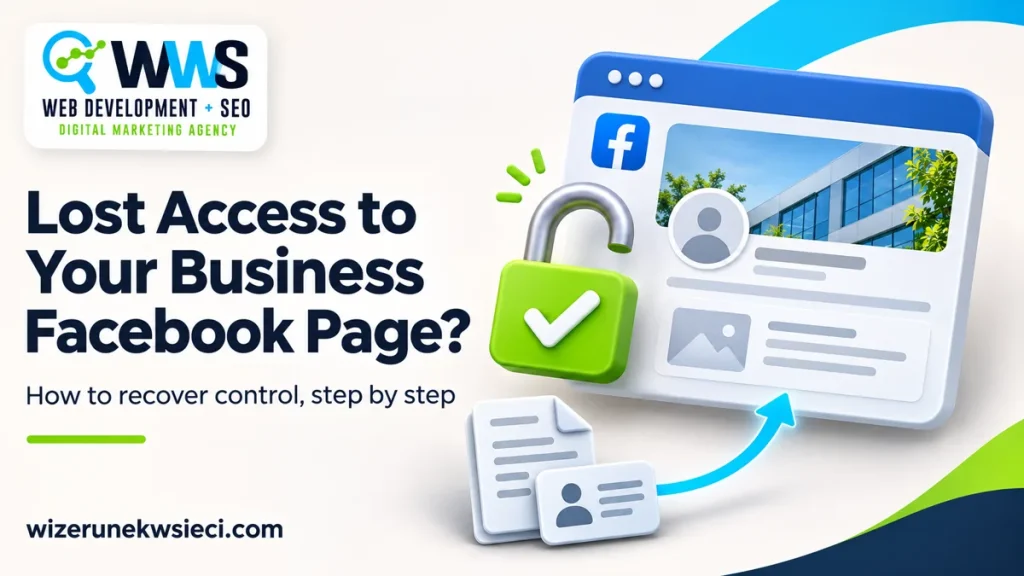
Your company’s Facebook Page is live, with old posts and your logo, but you cannot change anything on it. Sound familiar? We recently helped a US service business recover access to a Page like this. Here is what happened and what worked.
What happened to the Facebook Page
The Page had existed for years. It was created by someone nobody could identify, and the company’s former agency said it was not theirs. The business had no permissions on it. It could not fix the name, add a phone number or answer customers.
How we prepared the recovery request
Facebook does not hand over Pages on someone’s word. The business has to show it is the real owner of the brand. We prepared a request to Meta that included:
- a signed statement from the owner describing the company’s relationship to the Page and why the current administrators are unknown.
- a complete, readable copy of a government-issued photo ID of the person who signed.
- company documents that confirm the business exists and operates.
- the owner’s Facebook profile, with a primary e-mail address that matched the statement.
Why Meta returned the request
The request came back twice. The reasons were simple:
- The e-mail in the statement did not match the profile. In this case, Meta asked for the primary email of the account that would receive access. You can check it in Accounts Center, under contact information.
- The ID scan was cut off. The card must be whole, straight, with all four corners visible. Front and back work best as separate files.
After the corrections, Meta replied that the documents looked good.
How to prevent losing access again
- Keep at least two administrators on your business Page, using accounts that belong to your company, not to an agency or freelancer.
- Create Pages inside your company’s Meta Business Suite / business portfolio, not on an employee’s personal account.
- Write down who has which permissions and review it once a year.
Frequently asked questions
How long does Facebook Page recovery take?
There is no fixed timeline. It depends on Meta’s review and whether it needs additional documents. Check that the account email matches your statement and that every requested scan is complete and readable.
Can I recover a Page if I don’t know who created it?
You can request a review if you can document your business’s connection to the Page. Explain why the current administrators are unknown and gather the records that show your relationship to the business. Meta decides whether to restore access.
Do I need to share my Facebook password?
No. The business owner submits the request from their own account. WWS can help prepare the documentation. Submit identity documents only through the official support channel handling your request.
Get help with your Facebook Page
WWS Web Development + SEO is a certified Meta partner. We help businesses recover access to Pages and accounts they genuinely own. We do not bypass Facebook’s security and we do not promise a result. We prepare the request, check the documents and handle the correspondence with Meta.
Lost access to your business Page? Contact WWS to discuss what happened and which documents to prepare.
A Des Plaines, IL team helping local service businesses get found, get called and get booked since 2005: local SEO, Google Ads, conversion-focused websites and AI search optimization.
Meet the teamKeep reading
All articles
Email Newsletter Ideas for Local Service Businesses
Practical email newsletter ideas for local businesses: what to include, subject line examples, how often to send, and a seasonal content plan you can start this month.
Local Referral Programs for Service Firms: Research and a 60 Day Pilot
Launch a local referral program with a pilot lasting 60 days, rewards grounded in research, FTC rules, ROI metrics, and agency setup for service businesses.

48 Small Business Newsletter Ideas, Plus Six Templates
Find 48 newsletter ideas for small businesses, with subject lines, a rotation across three formats, legal and accessibility checks, and six templates.