





Yes. Automated SMS appointment reminders are a cost-effective way for appointment-based small businesses to cut no-shows and recover lost revenue. Turn on automated reminders or connect your booking calendar this week, and expect a meaningful drop in missed appointments within a few cycles. SMS open rates far outpace email and voicemail, and some agencies already build these systems into client booking stacks every day.
TL;DR:
- Sending two SMS reminders, one 24 hours before and another 2 to 4 hours prior, significantly reduces no-shows for appointment-based small businesses.
- Platforms supporting two-way messaging, calendar integration, delivery reports, and fallback options provide the control necessary to verify and improve reminder effectiveness.
- Confirmations should be personalized, concise, and include clear actions within 160 characters to maximize response rates and engagement.
- Proper setup requires verifying client phone numbers, obtaining opt-in consent, and aligning reminders with your booking system to avoid double bookings and errors.
- Businesses must comply with TCPA and HIPAA regulations by obtaining explicit consent, encrypting data, and including opt-out options on all messages.
Table of Contents
- How SMS Appointment Reminders Cut No-Shows
- What to Look for in a Text Message Reminder Platform
- When to Send Reminders and What to Say
- Setting Up SMS Reminders With Your Calendar or Booking Tool
- TCPA and HIPAA: What You Need to Know Before You Text
- Tracking Whether Your Reminders Are Actually Working
- Why Most Small Businesses Underestimate What Reminders Require
- Getting Your Reminder System Built Right the First Time
- Sources
- FAQ
How SMS Appointment Reminders Cut No-Shows
Text messages get read. Most people check a text within minutes, which is why SMS consistently outperforms email and voicemail for time-sensitive alerts like appointment confirmations. Vendor data shows automated SMS reminders with two-way confirmation often reduce no-shows substantially, with some businesses reporting double-digit percentage drops in missed visits once reminders and confirmations go live.
The financial upside isn’t just fewer empty slots. When clients confirm or reschedule by text instead of calling, front-desk staff spend less time on the phone chasing confirmations, and last-minute cancellations get filled faster because staff know sooner.
A few variables shape how much impact you’ll actually see:
- Appointment type: high-value or recurring visits (dental, medical, personal services) tend to see the biggest gains
- Client demographics: younger and mobile-first client bases respond faster to text than to calls
- Message clarity: vague or overly formal wording gets ignored more often than a short, direct text with a clear action
What to Look for in a Text Message Reminder Platform
Not every reminder tool does the same job. The features that separate a real business platform from a basic notification app come down to how much control and visibility you get over the conversation.
Look for a system that supports:
- Two-way messaging with reply keywords (like YES, C, or RESCHEDULE) that automatically update your calendar
- Calendar and booking integrations with tools like Google Calendar or your practice management software
- Delivery reporting so you know which texts actually landed, not just which ones sent
- Fallback options, such as an automated voice call when a text fails to deliver
- Template personalization with fields for client name, service type, and appointment time
Platforms built for consumer use, like basic personal reminder apps sold through app stores, generally lack the reporting and audit trail a business needs. Business-focused messaging platforms provide the logs and delivery receipts that let you actually verify which reminders converted into kept appointments, something personal apps rarely offer.
Pro Tip: Before signing with any vendor, ask to see a sample delivery report. If they can’t show you real confirmation and reply data, you’ll have no way to prove the system is working.
When to Send Reminders and What to Say
Timing matters almost as much as the message itself. Platform guidance consistently points to a two-message sequence, one sent about 24 hours before the appointment and a shorter one 2 to 4 hours before, as the sweet spot between giving people time to plan and catching last-minute no-shows.
- Confirmation text (sent at booking): “You’re booked with [Business] on [Date] at [Time]. Reply YES to confirm or C to cancel.”
- 24-hour reminder: “Reminder: your appointment with [Business] is tomorrow at [Time]. Reply C to change.”
- 2 to 4 hour reminder: “See you soon! Your appointment at [Business] is at [Time] today. Reply if you need to reschedule.”
- Reschedule/cancellation notice: “Your appointment on [Date] has been changed to [New Date/Time]. Reply YES to confirm.”
Keep every message under 160 characters where possible, personalize the name and time, and always give a clear next action. Provider templates for appointment reminders follow this same short, action-first structure across industries, and it works because there’s no guesswork about what to do with the text.
Setting Up SMS Reminders With Your Calendar or Booking Tool
Getting reminders running doesn’t require a developer, though larger practices sometimes bring one in for custom integrations.
- Verify client phone numbers and collect opt-in consent at booking or intake.
- Choose your reply keywords (YES, C, RESCHEDULE) and set your template fields.
- Connect your calendar or booking app, then map each appointment type to its own reminder sequence.
- Enable two-way replies and give staff access to the reply inbox.
- Send test messages to your own phone before going live.
- Set up a fallback channel, usually voice or email, for numbers that can’t receive SMS.
- Turn on reporting dashboards and estimate your monthly message volume to pick the right pricing tier.
Businesses running booking through a website should also check how their website booking integration talks to the reminder platform. A clean sync here prevents double-booking and keeps reminder timing accurate.
TCPA and HIPAA: What You Need to Know Before You Text
Federal rules govern how you can text clients, and skipping this step is the fastest way to turn a helpful tool into a legal headache. The Telephone Consumer Protection Act requires express opt-in consent before you send marketing or reminder texts, so collect that consent in writing (a checkbox at booking works) and keep proof of it on file.

Healthcare practices carry an extra layer: if a text could reveal protected health information, HIPAA applies, and you need a messaging vendor that signs a business associate agreement and encrypts data in transit.
Practical safeguards worth building in now:
- Include opt-out language (“Reply STOP to unsubscribe”) on every message
- Store consent records and opt-out requests securely and permanently
- Route replies to a monitored inbox, not a dead-end number
- Talk to a lawyer before texting anything that touches medical, financial, or legal details
Tracking Whether Your Reminders Are Actually Working
Turning on reminders isn’t the finish line. You need numbers to prove they’re paying for themselves.
Watch these metrics:
- Confirmation rate: percentage of clients who reply YES or confirm
- No-show rate: before and after enabling reminders
- Reschedule rate: how many appointments get moved instead of missed entirely
- Messages per appointment: cost efficiency check
- Cost per avoided no-show: total messaging cost divided by no-shows prevented
A simple two-week A/B test works well: send reminders to half your appointment list and skip them for the other half, then compare no-show rates. If reminders cut no-shows by even a few percentage points, the math on missed revenue usually justifies the messaging cost fast. Ask your vendor for delivery reports, reply logs, and calendar update confirmations so you’re not guessing at what actually happened.
Why Most Small Businesses Underestimate What Reminders Require
The conventional pitch on SMS reminders makes it sound like flipping a switch: turn it on, watch no-shows disappear. The reality is messier. The businesses that see the strongest results aren’t the ones with the fanciest platform. They’re the ones that mapped their appointment types correctly, wrote reply-friendly templates, and actually looked at their delivery reports every week.
What gets underestimated most is the integration work. A reminder system bolted onto a calendar that doesn’t sync in real time creates more confusion than it solves, especially for multi-location practices or anything touching HIPAA. As Google and Meta Partner, WWS – Web Development + SEO has watched clients try the DIY consumer-app route first, then come back once they hit the reporting and compliance ceiling those tools were never built to clear. That’s not a knock on doing it yourself. It’s a reason to know when the complexity of your booking volume has outgrown a basic app.
— Online Marketing Experts
Getting Your Reminder System Built Right the First Time
WWS – Web Development + SEO is the alternative to piecing together a reminder system from a consumer app and hoping your calendar sync holds. Instead of juggling a separate SMS tool, a booking widget, and a spreadsheet of client numbers, we build the integration once, correctly, inside your existing site and calendar.

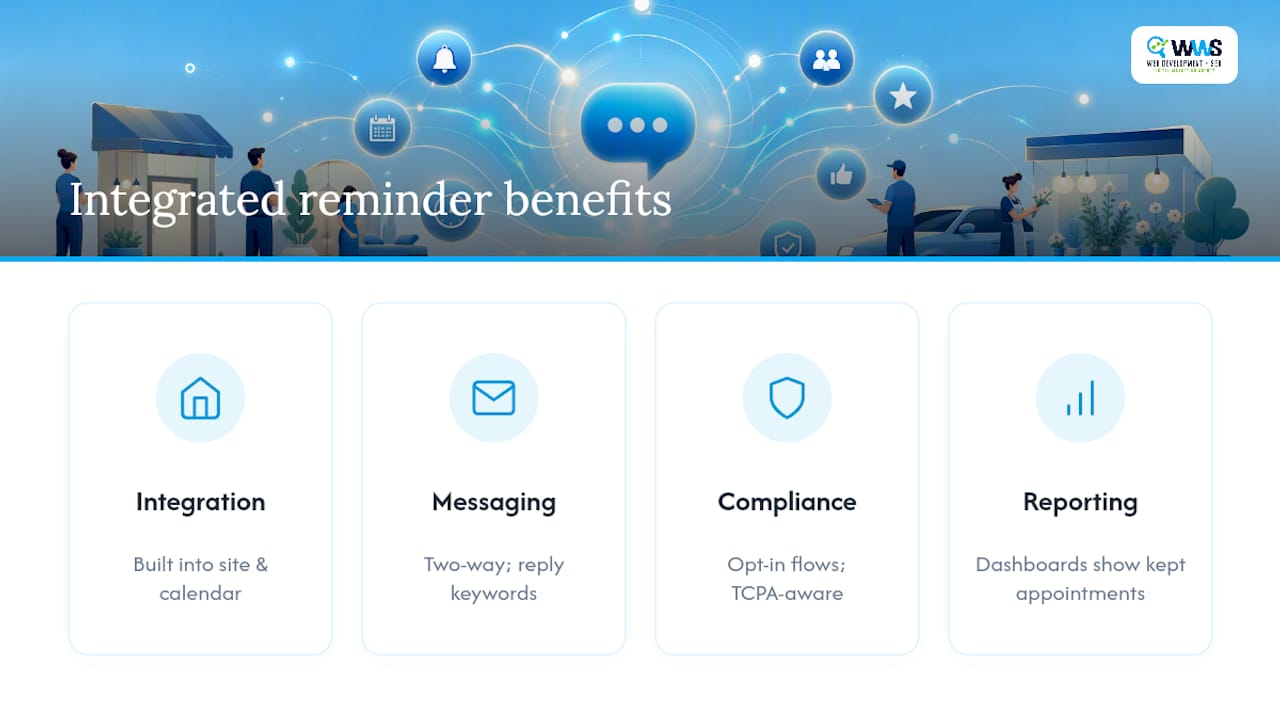
Our in-house team handles the full setup: two-way messaging with reply keywords, custom templates for each appointment type, opt-in consent workflows that keep you TCPA-aware, and reporting dashboards that show exactly which reminders converted into kept appointments. A free consult covers where your current booking flow breaks down and what an integrated setup would look like for your specific volume. We saw this play out directly with a local dental studio whose front-desk call volume dropped once reminders and calendar sync went live together.
If you’re ready to stop losing revenue to missed appointments, start with a website built for it or reach out for a free audit of your current booking setup.
Sources
For developers building custom integrations, Twilio’s appointment reminder guides cover the technical setup in detail. For pairing reminders with broader retention efforts, this marketing automation checklist walks through connecting reminders to your wider campaign workflow, and our guide on local business marketing strategy covers what to pair with reminders for repeat bookings.
- SMS Appointment Reminder Software | Reduce No-Shows — Sinch
- Send SMS appointment reminders — Infobip
FAQ
What Are SMS Appointment Reminders?
SMS appointment reminders are automated text messages sent to clients before a scheduled appointment, confirming the time and often letting them reply to confirm, cancel, or reschedule directly by text.
Are Text Appointment Reminders HIPAA Compliant?
They can be, but only if you use a vendor that signs a business associate agreement and encrypts message data. A standard consumer texting app is generally not built to meet HIPAA requirements for healthcare practices.
How Do I Write a Good Reminder Text?
Keep it under 160 characters, include the business name, date, and time, and give a clear action like “Reply YES to confirm” or “Reply C to cancel.” Personalizing the client’s name and appointment type also improves response rates.
What Scheduling Tools Send Text Reminders?
Most modern booking and practice management platforms support SMS reminders through built-in features or integrations, and businesses with website booking systems can connect reminders directly through their website booking integration. Some agencies can also build this directly into a custom site setup.