





Solo operators and small crews who need a working app in weeks should start with a no-code platform. Growing businesses that need custom workflows but still want speed should look at low-code. Multi-location companies planning for scale, deep integrations, or proprietary data ownership need custom development. Whichever category fits, the next step is the same: write down your MVP feature list before you talk to any vendor.
TL;DR:
- No-code platforms enable solo operators to launch basic apps quickly but lack advanced customization or integrations.
- Low-code solutions suit growing businesses with specific workflows that templates cannot handle efficiently.
- Custom development is necessary for multi-location companies needing complex integrations, proprietary data ownership, or scalability.
- Planning should include mapping user roles, core MVP features, and offline requirements, with user stories being the preferred documentation method.
- Real-device beta testing and structured deployment are crucial to prevent field app failures within the first month of use.
Table of Contents
- No-code vs low-code vs custom: trade-offs and one-line use-case guidance
- Requirements and user roles: capture the scope for your app
- Core features and UX specifics to design for technicians and dispatch
- Architecture, integrations, and data patterns to plan for
- Typical timelines and realistic cost bands for MVPs by approach
- Launch checklist, deployment paths, and ongoing maintenance tasks
- Publisher expertise and case evidence from WWS
- Agency viewpoint: when to hire vs when to DIY a field service app
- WWS services for building field service apps and how to get started
- FAQ
- Sources
No-code vs low-code vs custom: trade-offs and one-line use-case guidance
Each path trades speed against control, and the right choice depends on how fast you need to launch and how specific your workflows are.
No-code platforms let a business owner or office manager assemble a working app without a developer, often in days. Low-code tools still need someone comfortable with configuration logic, APIs, and basic data modeling, usually a technical hire or a part-time contractor. Custom development requires a dedicated engineering team or an agency and gives you full ownership of the codebase and data.
- No-code fits a solo technician or small crew that needs basic scheduling and job forms fast.
- Low-code fits a growing business with a few specialized workflows that templates cannot handle.
- Custom fits a company planning multi-branch rollout, heavy integrations, or long-term platform ownership.
Budget ranges vary widely by vendor and scope, so treat any number you see online as a rough signal rather than a quote; for agencies looking to complement offerings with marketing automation and scaled content, BabyLoveGrowth’s whitelabel partner services can be a helpful resource. What matters more is matching the approach to your actual technical capacity and timeline pressure, not chasing the cheapest sticker price.
Requirements and user roles: capture the scope for your app
Before touching any builder or briefing a developer, map out who uses the app and what each role actually needs to do on a job.
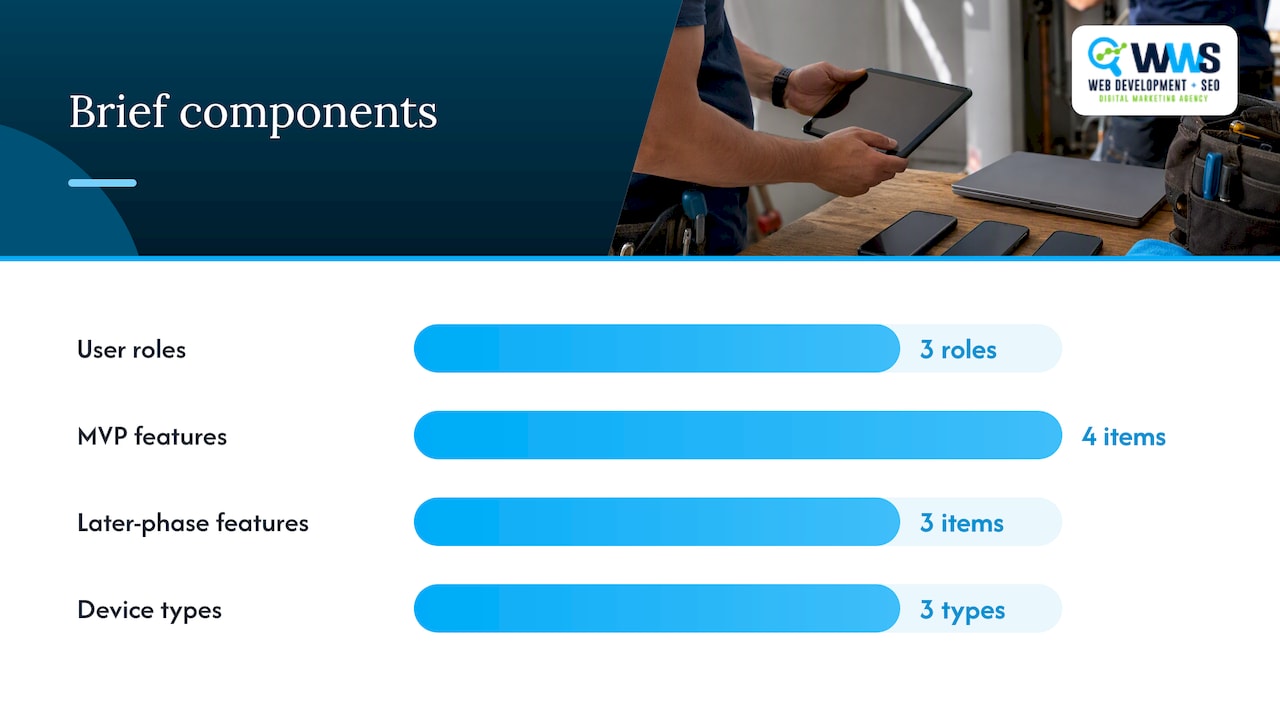
Most field service apps need at least three roles: dispatcher, technician, and office administrator. Dispatchers assign and reschedule jobs. Technicians view assignments, update job status, and capture proof of work. Administrators manage users, review reports, and handle billing.
- List every user role and the three to five actions each one performs daily.
- Separate must-have MVP features from later-phase additions like automated invoicing or advanced analytics.
- Record non-functional requirements: offline access, device types (iOS, Android, tablets), and data retention rules.
- Define who can see or edit customer data, pricing, and job history.
- Note any compliance needs, such as signature capture for liability or photo evidence for warranty claims.
MVP features typically include work order creation, scheduling, a technician mobile form, and photo or signature capture. Later phases can add route optimization, customer self-scheduling portals, or predictive maintenance alerts.
Pro Tip: Write your requirements as user stories (“As a technician, I need to see today’s jobs offline”) instead of feature lists. It forces clarity and makes the brief easier for any builder or developer to estimate accurately.
Core features and UX specifics to design for technicians and dispatch
The work order is the center of the app, and its life cycle should be simple: created, assigned, in progress, completed, and reviewed. Every status change should trigger a notification to the relevant role so nothing sits unnoticed.
Mobile forms need required fields for job notes, parts used, and time spent, but keep the form short. A technician standing on a ladder will not fill out ten fields correctly.
- Quick actions like one-tap status updates reduce friction more than any other single UX decision.
- Offline capture for forms and photos matters because job sites often have weak or no signal.
- Media handling should compress photos automatically before upload to avoid data overages.
- Maps and routing with live ETA display help dispatchers reassign jobs when a technician runs late.
- Audit trails that log every status change and edit protect against billing disputes and warranty claims.
Reporting should roll these audit trails into simple dashboards dispatchers and owners can check without exporting spreadsheets.
Architecture, integrations, and data patterns to plan for
No-code platforms typically connect to other tools through prebuilt connectors, so check early whether your CRM, invoicing tool, or calendar has one available. Custom builds instead rely on an API-first design, which takes longer to set up but adapts to almost any system you add later.
Offline sync is where many field apps run into trouble. The app needs a clear conflict resolution rule, usually “last write wins” or a manual review queue, for when a technician edits a job without signal and the office changes it at the same time.
- CRM integration keeps customer history and job notes in one place instead of two systems.
- Invoicing integration turns completed work orders into billable line items automatically.
- Maps and calendar sync prevent double-booked technicians and missed appointments.
- Push and SMS notifications keep dispatchers and customers updated without phone tag.
Role-based access and data encryption are not optional extras. The Microsoft Learn setup guide for the Field Service mobile app shows how a platform-level build assigns distinct security roles, such as Field Service-Resource and Field Service-Administrator, before anyone signs in to the mobile app. That same role separation principle applies whether you build on a platform or from scratch.
Typical timelines and realistic cost bands for MVPs by approach
Timelines depend heavily on how many integrations and custom screens you need, but the pattern is consistent across builds. No-code MVPs typically launch in two to six weeks since most of the configuration is drag-and-drop. Low-code projects run four to twelve weeks because they still need custom logic and testing. Custom builds generally take three to nine months, driven by design, development, integration, and QA cycles.
- License fees for no-code and low-code platforms often scale with user count, so check pricing tiers before committing.
- Integration costs rise quickly when a CRM or invoicing tool has no prebuilt connector.
- Testing and maintenance are frequently underestimated in both no-code and custom budgets.
Any estimate or request for proposal should list required integrations, user roles, offline requirements, and expected user count so quotes are comparable across vendors.
Launch checklist, deployment paths, and ongoing maintenance tasks
A clean launch depends on testing in the field, not just in a browser or simulator.
- Run a real-device beta with a small crew, covering offline scenarios like lost signal mid-job.
- Choose a deployment path: native app store listing, a progressive web app for faster updates, or enterprise distribution for internal-only tools.
- Set up monitoring for crashes and failed syncs, along with a backup schedule for job data.
- Establish a support flow so technicians know who to call when something breaks in the field.
- Plan a maintenance cadence, quarterly at minimum, for updates and security patches.
Skipping the real-device beta is the most common reason field apps fail in their first month of live use.
Publisher expertise and case evidence from WWS
WWS – Web Development + SEO is an official Google and Meta Partner, and every project runs through an in-house team of certified developers and strategists rather than outsourced contractors. That structure matters for app projects, where design, integration work, and local search strategy need to stay coordinated.
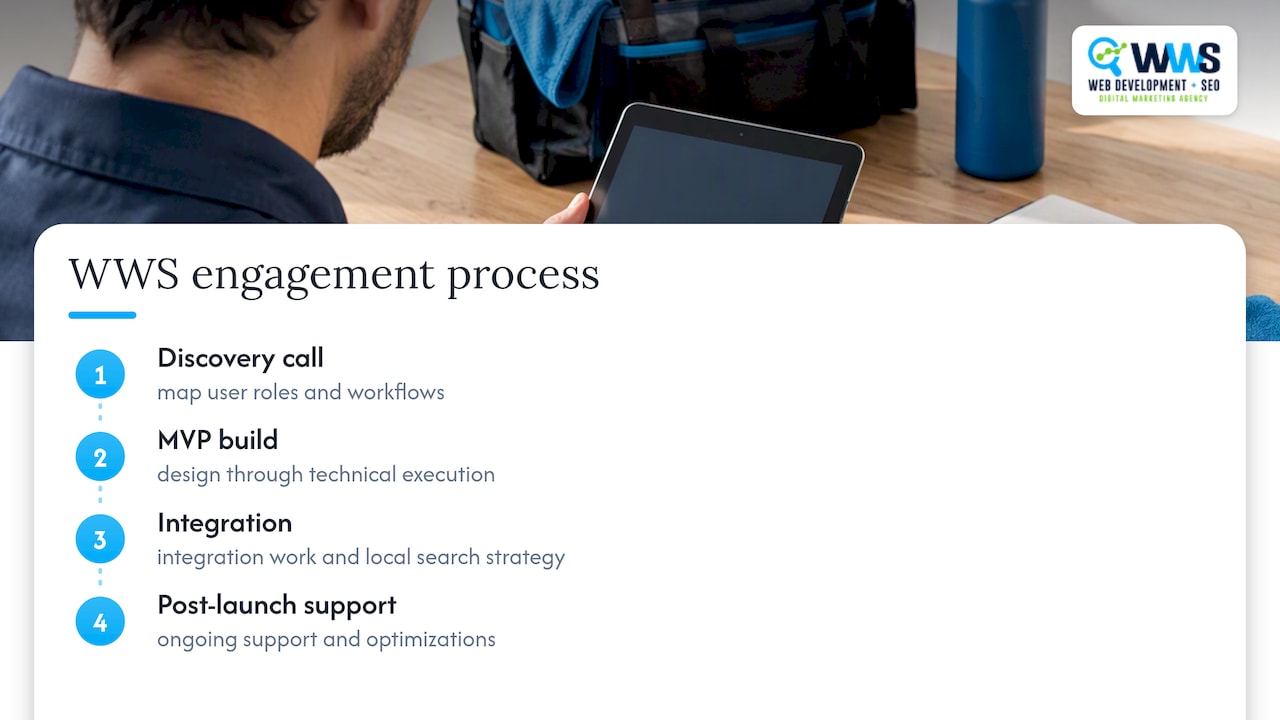
The Global Clinic case study and HomeBuild case study show how WWS approaches service-oriented builds, from design through technical execution. A typical field service app engagement with WWS starts with a discovery call to map user roles and workflows, moves into an MVP build, and continues with integration work and post-launch support.
Agency viewpoint: when to hire vs when to DIY a field service app
A no-code prototype makes sense when you are still validating workflows and want to test assumptions cheaply. Hiring an agency pays off once you know your requirements and need integrations, offline reliability, or a polished technician experience that a template cannot deliver. A good discovery call should end with a scoped MVP list and a realistic timeline, not a sales pitch.
— Online Marketing Experts
WWS services for building field service apps and how to get started
Businesses that want a managed build instead of piecing together a no-code stack get a faster, less stressful path by working with an in-house team that handles design, development, and integrations under one roof. App Development at WWS covers exactly this kind of project, from technician-facing mobile forms to dispatcher dashboards and the integrations that connect them.

- Discovery call to map user roles, workflows, and must-have integrations.
- MVP sprint to build and test core work order, scheduling, and mobile form features.
- Launch with real-device QA and app store or progressive web app deployment.
- Ongoing support for updates, monitoring, and new feature requests.
Field service businesses also benefit from pairing an app with Local SEO so new customers can actually find the business behind the app. A local business marketing expert solution serving Des Plaines, IL, and the greater Chicago Area, with a team of certified experts dedicated to growing local service businesses. From contractors to restaurants, we combine custom web development with aggressive SEO and GEO strategies to turn your online presence into a lead-generating engine. With over 200 successful client partnerships, we don’t just build websites, we drive real calls, consistent leads, and year-round revenue for Chicago-area businesses. Schedule a discovery call through App Development to scope your MVP.
FAQ
Is there a free app for field service management?
Some platforms offer free tiers with limited users or features, which can work for testing basic scheduling and job forms before committing to a paid plan. Check each vendor’s current pricing page directly, since free tiers change often and usually cap user count or feature access.
How much money does an app with 100,000 downloads make?
Revenue depends entirely on the monetization model, whether subscription, one-time purchase, or ad-based, so download count alone does not predict income. Field service apps are typically priced as business software rather than consumer downloads, so revenue comes from subscription fees paid by the business, not app store downloads.
What is the best field service software?
The best choice depends on your crew size, budget, and workflow complexity rather than any single universal answer. A solo operator usually does better with a no-code platform, while a multi-location business with complex integrations often needs a custom build like the ones WWS develops through its App Development service.
Do you need an LLC to build an app?
No, you do not need an LLC to build or launch an app, since development itself has no legal entity requirement. Forming an LLC or similar structure is a business and liability decision worth discussing with an attorney or accountant, separate from the technical process of building the app.