


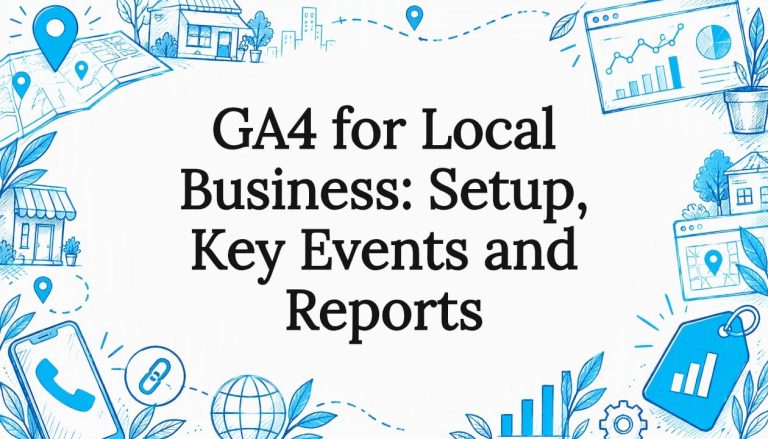
GA4 for Local Business: Setup, Key Events and Reports
Set up GA4 for a local business: create the property, track calls, forms and direction clicks as key events, verify them and read the reports that matter.

Measure what brings leads: GA4 setup, UTM tagging, call tracking and offline conversion tracking for local businesses.
7 articles
Showing 1–7 of 7 articles
Set up GA4 for a local business: create the property, track calls, forms and direction clicks as key events, verify them and read the reports that matter.
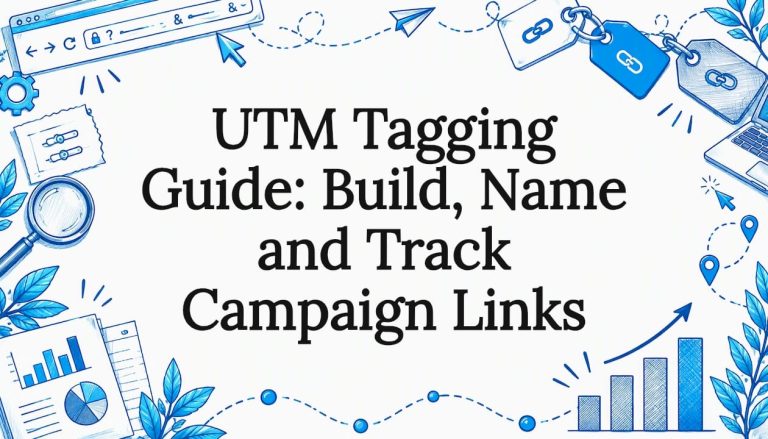
Learn how to build UTM tags, name them consistently and read the results in GA4, with examples for local ads, email, social and Google Business Profile links.
Learn how to track phone call conversions from ads, your website and your CRM, set a sensible call length, and stay within Illinois recording rules.
Set up call tracking across site tags, Google Ads conversions, dynamic number insertion, and CRM imports, then test real calls to confirm attribution works.
Set up GA4 for a small business with gtag.js, Google Tag Manager, or a CMS plugin. Track starter conversions, validate events, or ask WWS for local help.
Compliance first GBP call tracking: use Google Ads for paid calls, add one local number for organic listings, and log inbound calls to your CRM.
Operations-first guide to move offline conversion imports into Data Manager. Learn four import paths, common upload fixes, and a short CRM handoff...